RetroHub games
RetroPaint
The art studio, in the Learn square.
- A canvas, thirty-two colours, eight tools: draw with a finger, a mouse or the remote.
- Stamps, letters and colouring pages, and a stamp you draw yourself.
- Nothing gets lost: the drawing is kept after every stroke, and six places wait in “My drawings”.
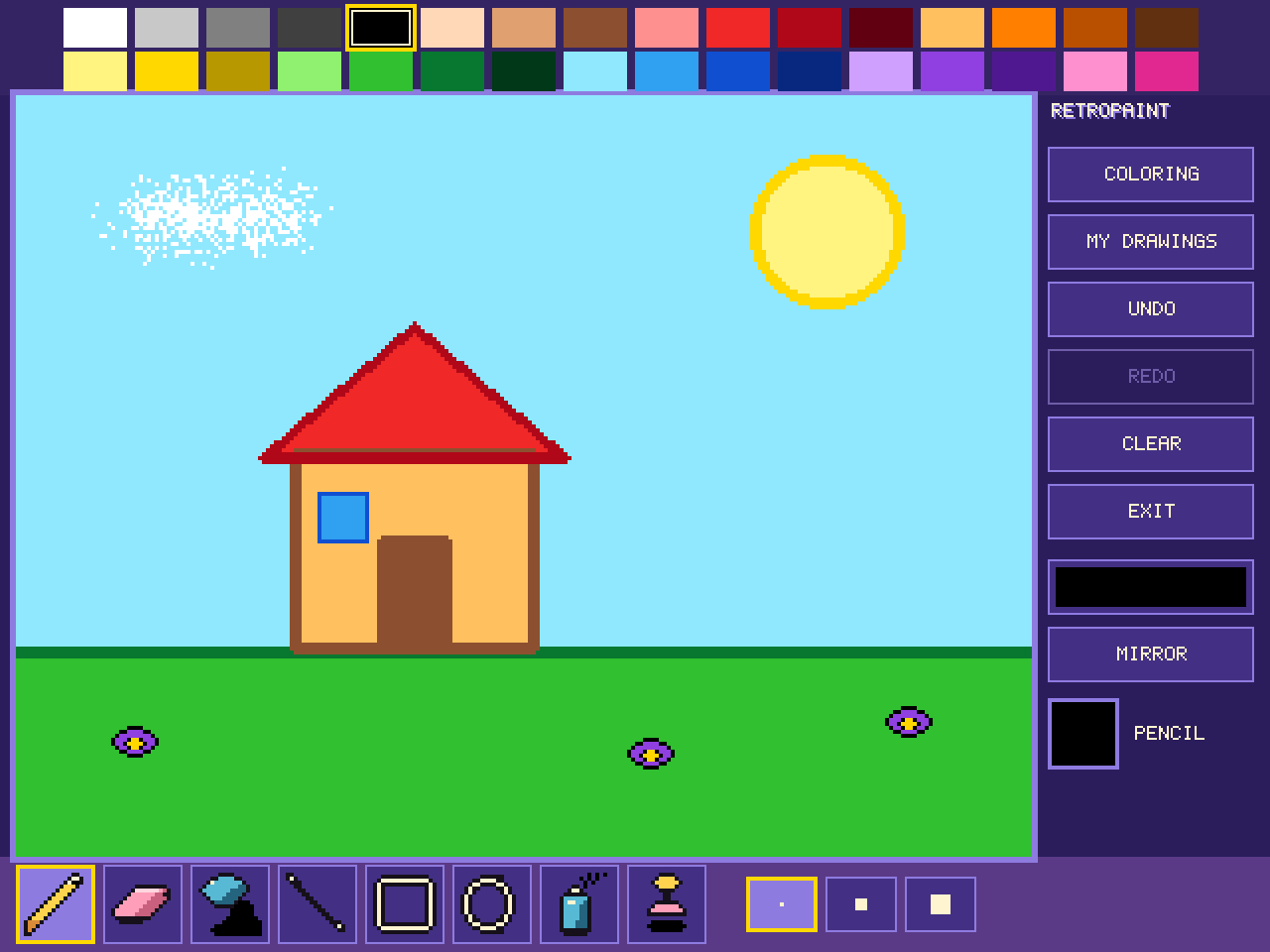
The studio
The colours are at the top, two rows of sixteen. The tools are at the bottom, with the brush sizes next to them. On the right are the studio's buttons, and below them the name of the tool in hand, in its colour.
- Pencil: draw freehand, in three sizes.
- Eraser: it brings back the white paper. It comes in several shapes, which take the place of the sizes.
- Paint bucket: it fills the area you touch in one go, up to the lines that close it.
- Line, box and oval: set one end, pull, let go.
- Spray can: a cloud of drops, wider with the size.
- Stamp: a picture in a single press, in the chosen colour.
Picking a colour with the eraser in hand takes the pencil back: you clearly want to draw.
The buttons
- Undo takes back the last gesture, and redo brings it back. You can go back up to forty gestures.
- Clear empties the canvas, with a small surprise that changes every time: a giant eraser, a curtain, confetti… Undo brings the drawing back.
- The pattern, below the buttons, shows the pattern of the pencil, the shapes and the bucket: solid, stripes, checks, dots, bricks… Each press moves to the next one. The eraser always erases solid.
- Exit leaves the studio. The drawing is already kept.
Stamps
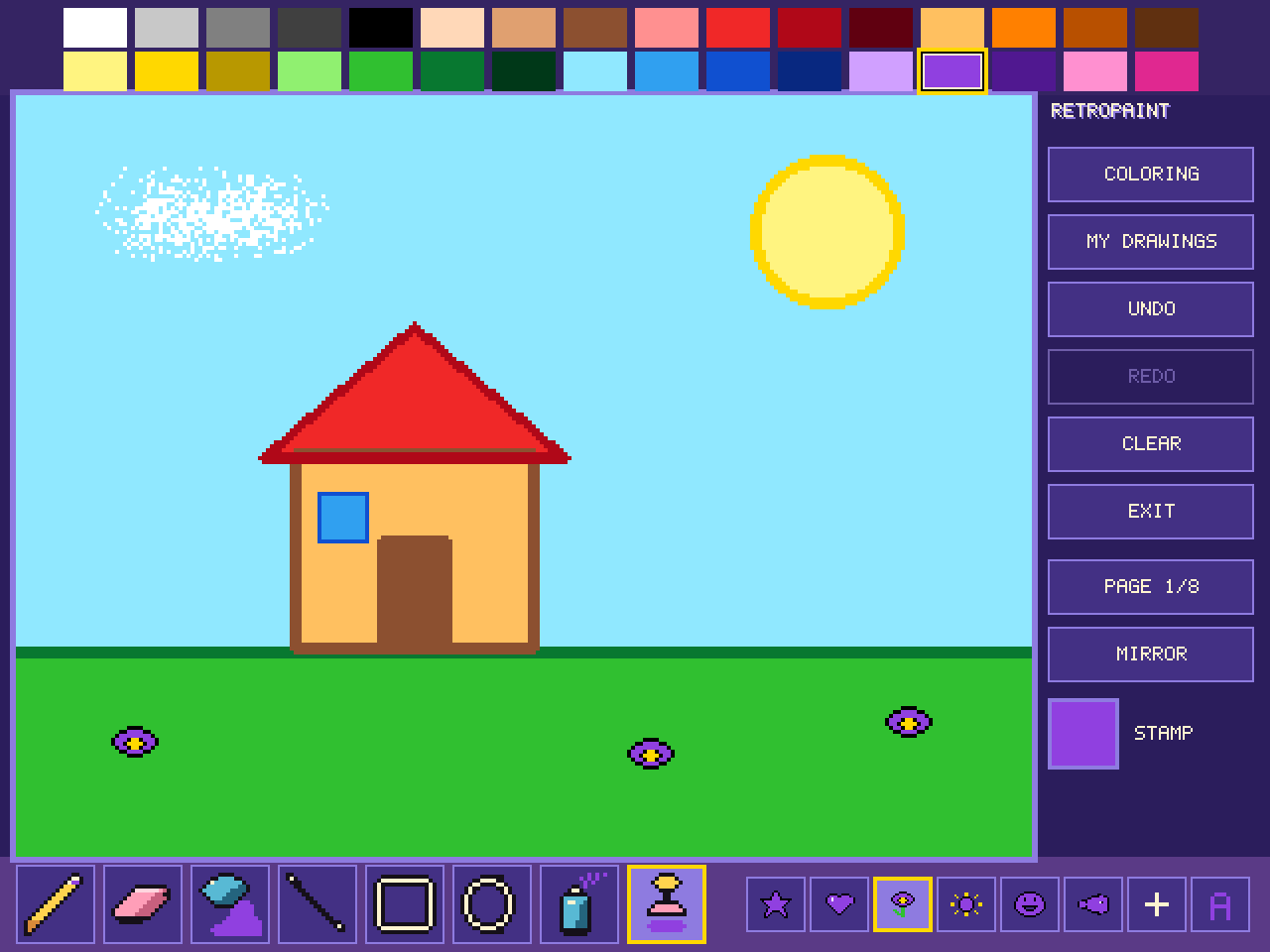
With the stamp in hand, the bottom row shows the stamps: star, heart, flower, sun, smile, fish… A press on the canvas sets one down, centred on the point you touch, in the chosen colour.
The PAGE button, on the right, turns the page of stamps: the first six squares take those of the next page.
A stamp you set down fills with the bucket like the rest of the drawing.
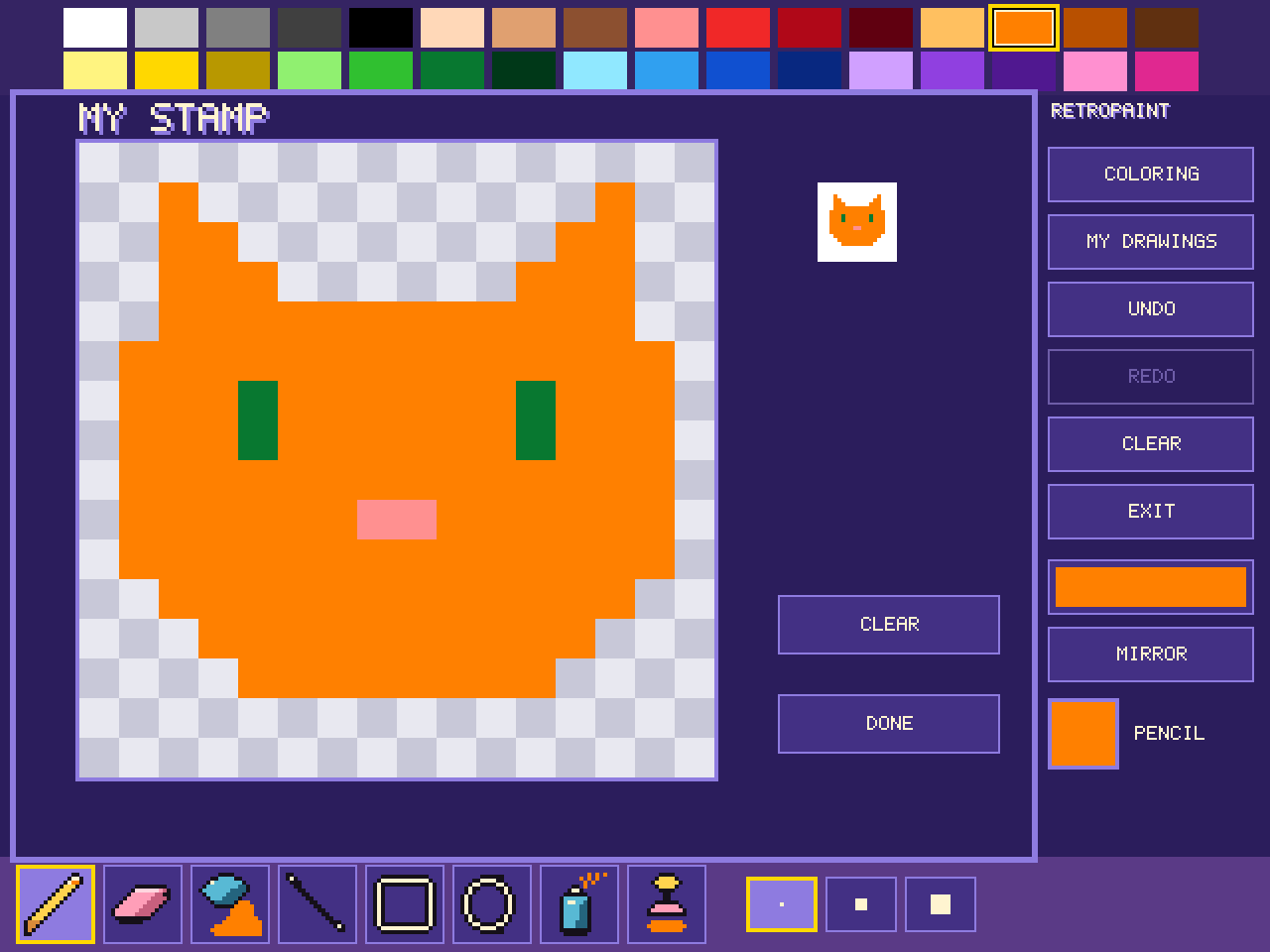
My stamp, the square marked with a plus, is the one you draw yourself. A first press picks it, a second opens its grid of 16 squares by 16.
Each square takes the chosen colour; touching a square that already has that colour empties it. The stamp keeps all its colours. The preview, on the right, shows it at its real size. Clear empties the grid, done closes it.
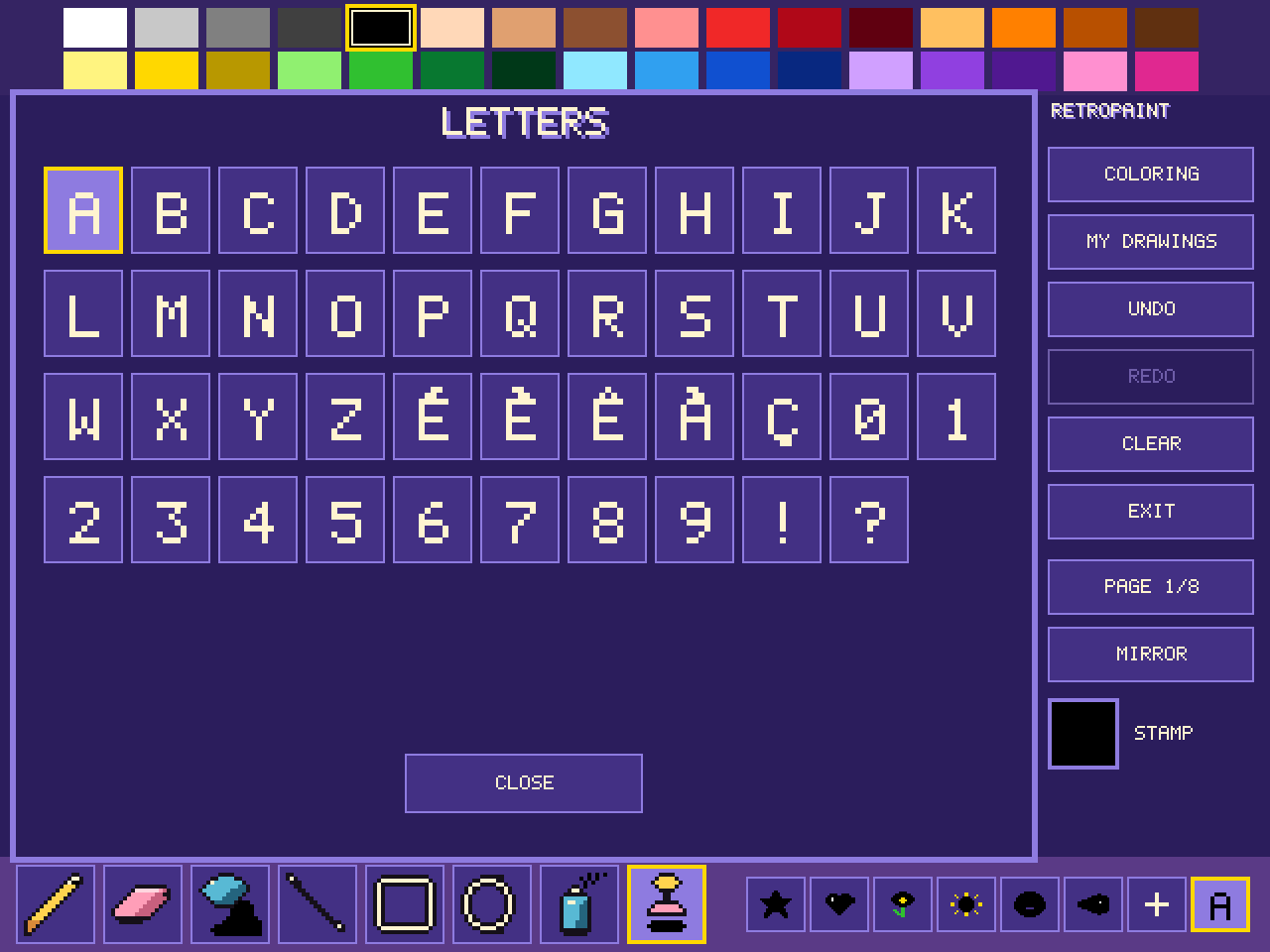
The last square carries a letter. A second press opens the alphabet: A to Z, É, È, Ê, À and Ç, the digits, the exclamation mark and the question mark.
On a keyboard it's quicker: typing a letter puts it in hand. Type, click, type the next one, and a name comes out straight.
The mirror
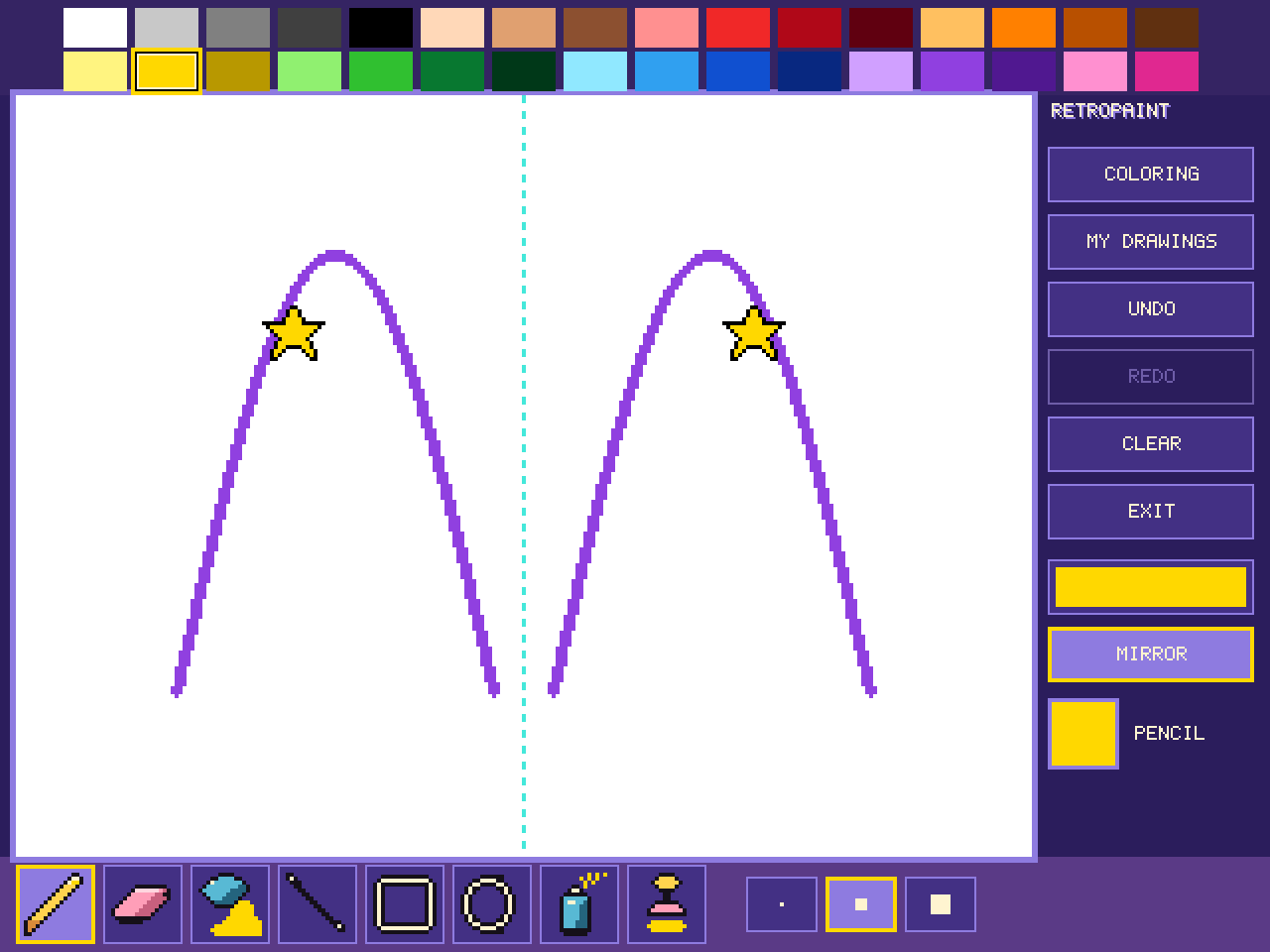
The mirror reflects everything you set down, on the other side of the dotted line in the middle of the canvas: strokes, shapes, the bucket, the spray can and the stamps. A butterfly draws itself from a single wing.
A second press turns it off.
Colouring
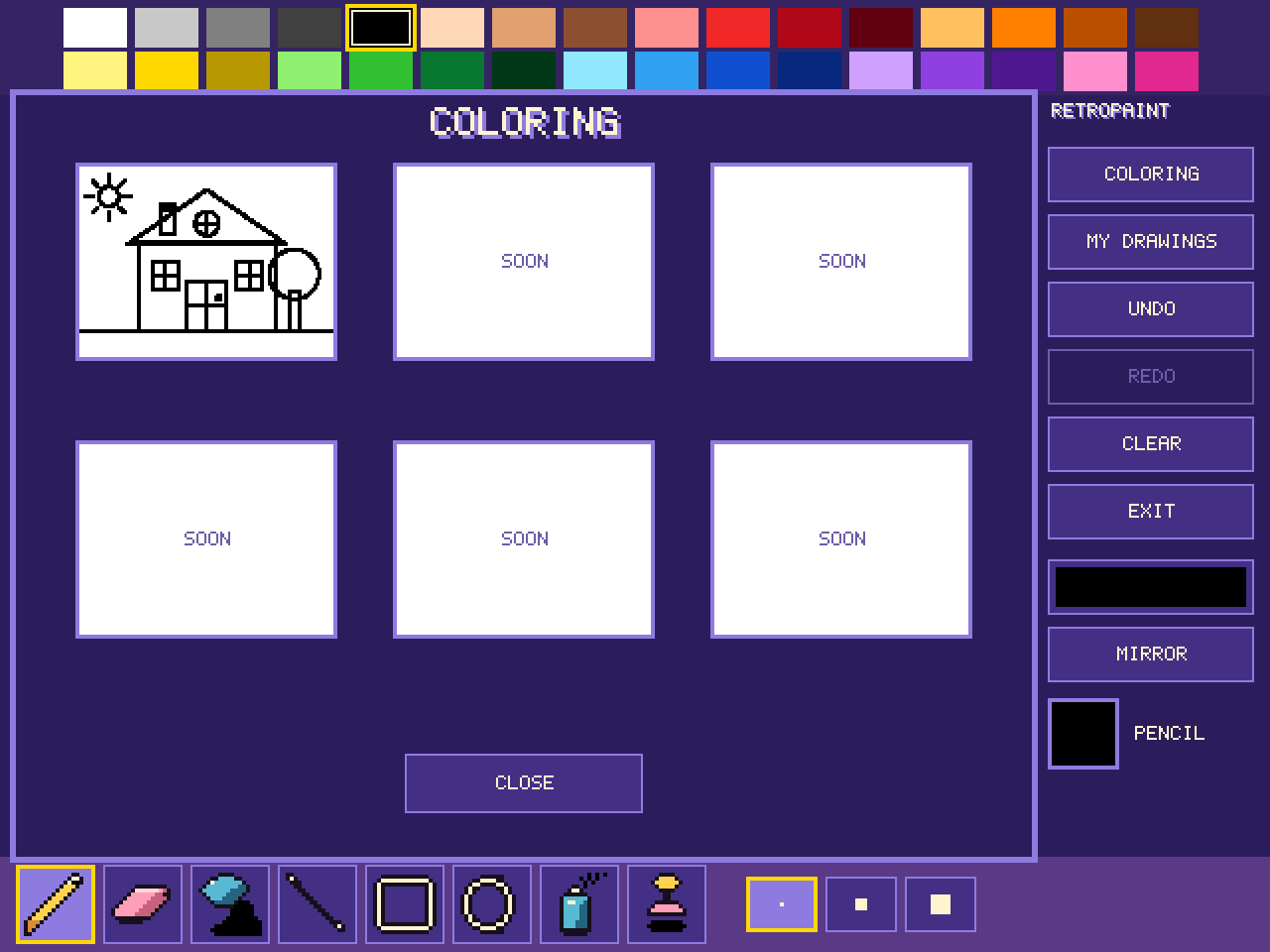
The COLORING button opens the colouring pages. A page you choose takes the place of the drawing in progress: the bucket fills it area by area. Undo brings back the drawing from before.
More pages are on the way: their place says “SOON”.
My drawings
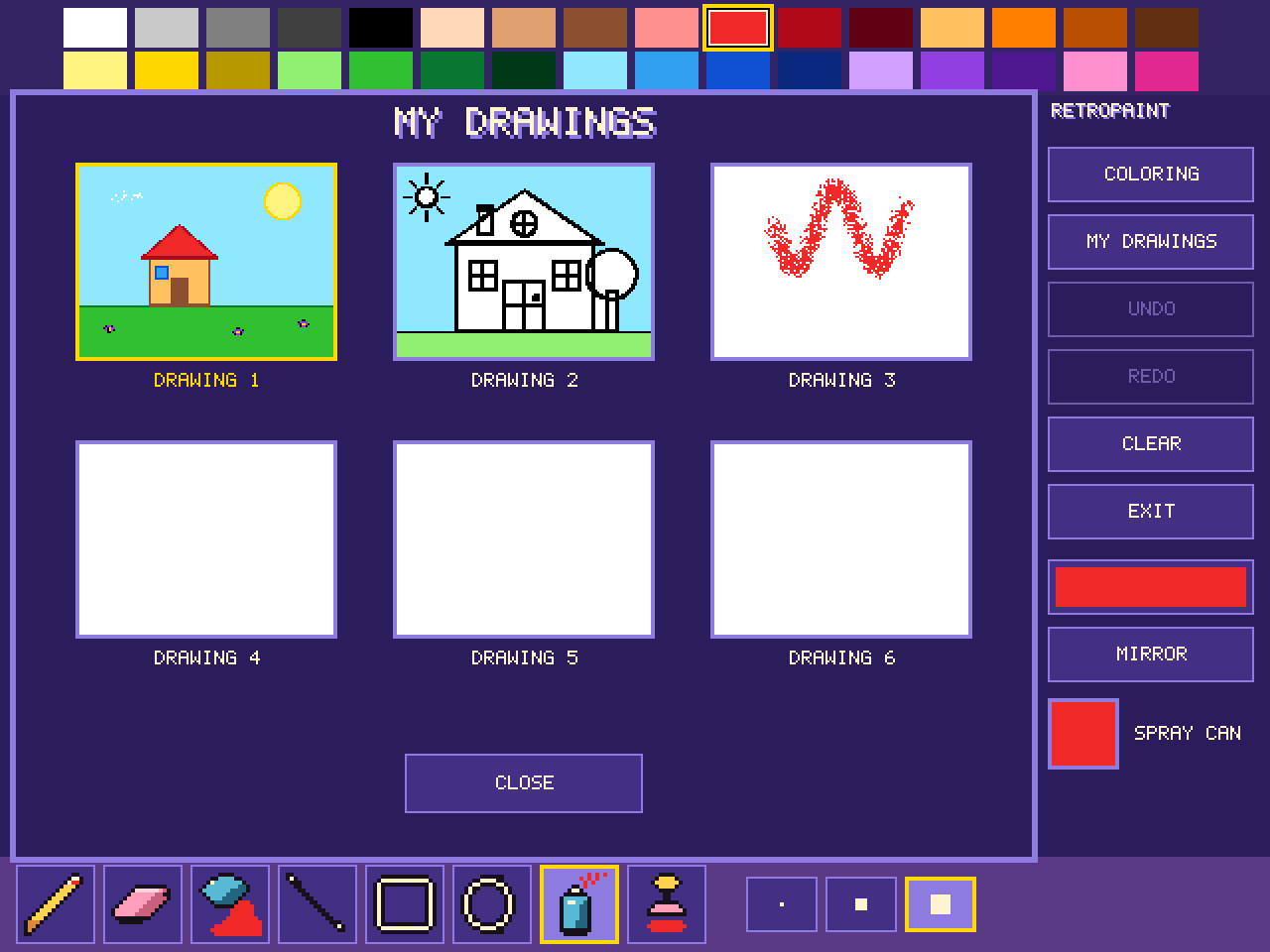
The drawing keeps itself, after every stroke: you find it as it was when you come back.
Six places, like a page in a notebook. The MY DRAWINGS button shows them; choosing a place puts its drawing on the canvas, and the one you leave stays in its own. A place left blank is free.
With the remote
The arrows slide a cursor across the canvas: a press takes one step, and holding the arrow makes it glide faster and faster.
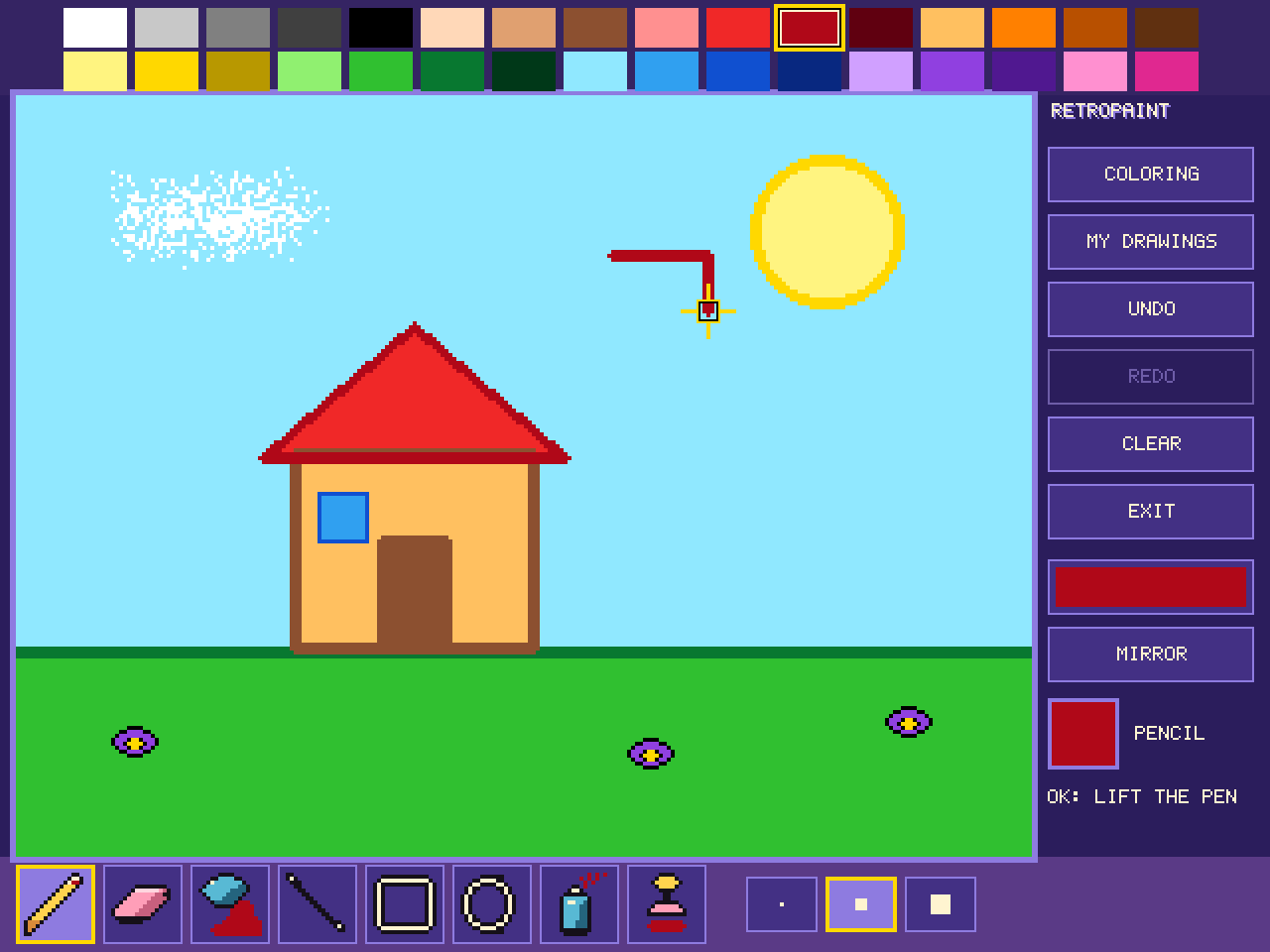
OK lowers the pen, and lifts it. Lowered, the cursor draws. A line, a box or an oval is anchored by the first OK and set down by the second; the bucket pours and the stamp prints in one. Below the tool, on the right, the studio says what the next OK will do.
For the buttons, leave the canvas on the right: the arrows go from button to button, as far as the colours and the tools, and OK chooses. Left at the edge, or Back, returns to the canvas.
In the my-stamp grid, the arrows go from square to square and OK paints: pick the colour before opening the grid.
Controls
Phone and tablet
| slide a finger on the canvas | draw with the tool in hand |
| touch a colour, a tool, a button | choose it |
| touch EXIT | leave the studio |
A second finger draws nothing: only the first one does.
Computer
| the mouse, button held | draw; the tool takes the arrow's place |
| A to Z | put the letter in hand |
| 1 to 8 | the eight tools, in order |
| 9 | the mirror |
| ↑ ↓ ← → and Enter | as with the remote |
| Esc | undo the stroke in progress, come back from the buttons, then leave |
TV
| the arrows | move the cursor, or go from button to button |
| OK | lower or lift the pen, set down, choose |
| 1 to 8, 9 | the tools and the mirror, if the remote has digits |
| Back | undo the stroke in progress, come back from the buttons, then leave |