RetroHub VR
How to use it
One hand for the terminal, the other for the room.
- The right hand runs the terminal, like the remote.
- The left hand looks after the room: the doors, the menu, the invitations.
- A friend can come and sit next to you, in front of the same TV.
Two ways to open it
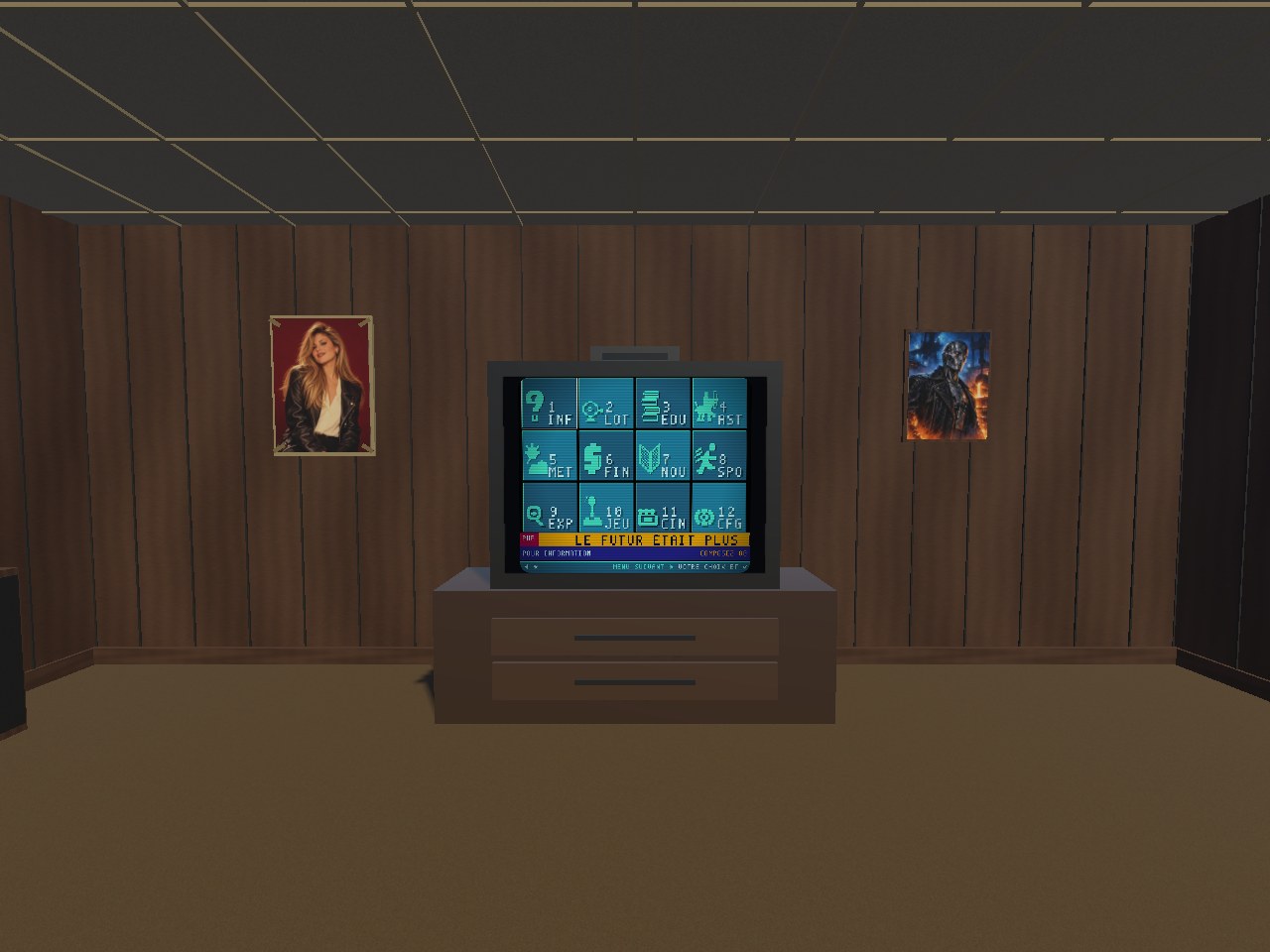
RetroHub VR opens in a window, like any ordinary headset app. The whole terminal works there, and the window can sit beside your other apps while you do something else.
The IMMERSION button, bottom right of the window, takes you into the room: you are seated in front of the TV, with the terminal running on it. If you open RetroHub VR by accepting a friend's invitation, you land in the room straight away.
To leave, use the Meta button on the right controller, as with any headset app.
The controllers
Right hand: the terminal
| the thumbstick | the arrows; held, it repeats |
| A | confirm, the remote's check mark |
| the trigger | confirm too |
| B | go back |
One direction at a time: a diagonal counts as the stronger of the two.
Left hand: the room
| Y | go to the next room |
| point at a door | a yellow ray lights up |
| the trigger | on a door, go through it; otherwise, confirm in the terminal |
| ☰ Menu | open or close the room menu |
The ray only shows on a door or a menu button: when it is not there, the trigger plays.
You do not walk around the room: you take it in from your seat, sitting or standing, by turning your head.
The rooms
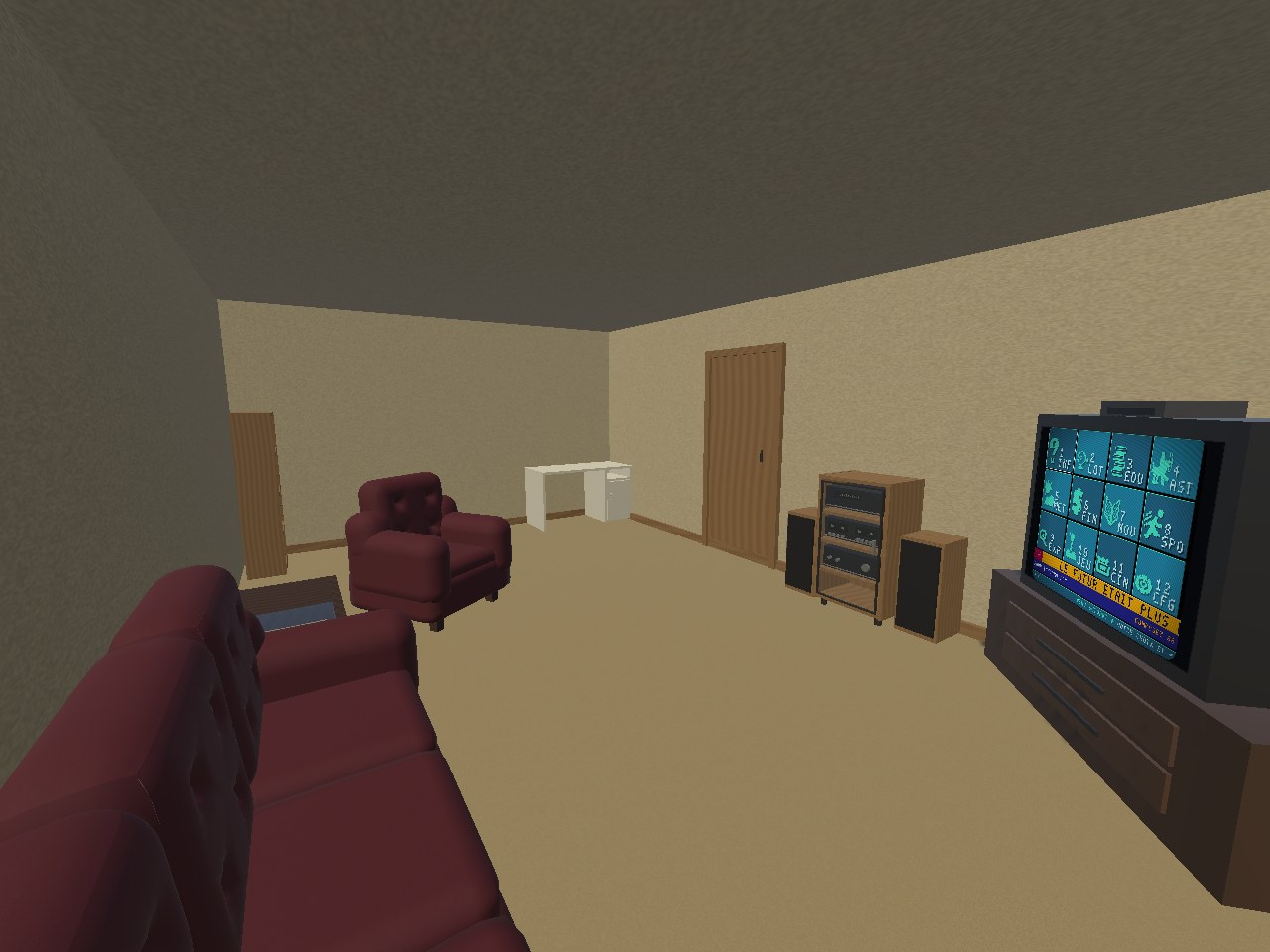
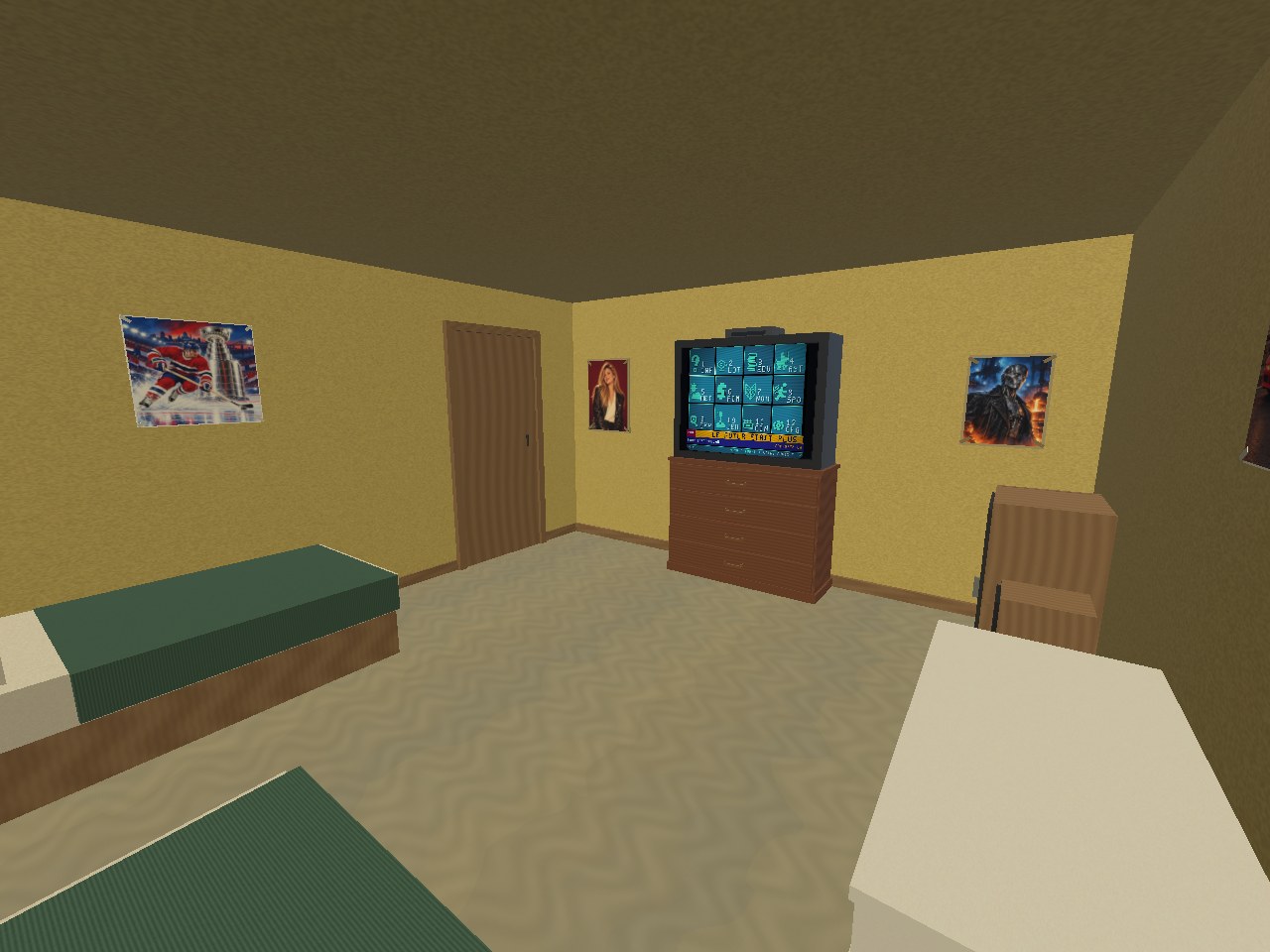
Four rooms, each with its own TV and the same terminal on it. Y moves from one to the next in a single press; you can also point at a door and pull the left trigger.
Two people, one TV
A friend can come and sit next to you, in your room. They see your TV, hear you, see you as your Meta avatar, and hold the remote at the same time as you: both right hands drive the same terminal. Just like back then, nothing stops you from playing the other person's move.
Your friend needs RetroHub VR on their headset too.
Inviting
In the room, open the menu (☰), point at INVITER UN AMI (invite a friend) and pull the left trigger. The headset's invitation panel opens: pick your friend. Once they accept, they arrive in your room.
The menu also shows your room's six-letter code. Read it out to your friend: it is the other way in.
Joining with a code
Open the menu, point at REJOINDRE AVEC UN CODE (join with a code), then type the six letters on the keyboard that appears, pointing at each letter and pulling the trigger. REJOINDRE lights up at the sixth.
The room menu is in French only for now; the labels above are the ones you will see.
During the visit, the menu lets you mute your microphone and leave the room. There is only one TV and one terminal: those of the person who invited.
Playing together works between RetroHub VR headsets, through our server: it needs an Internet connection.